
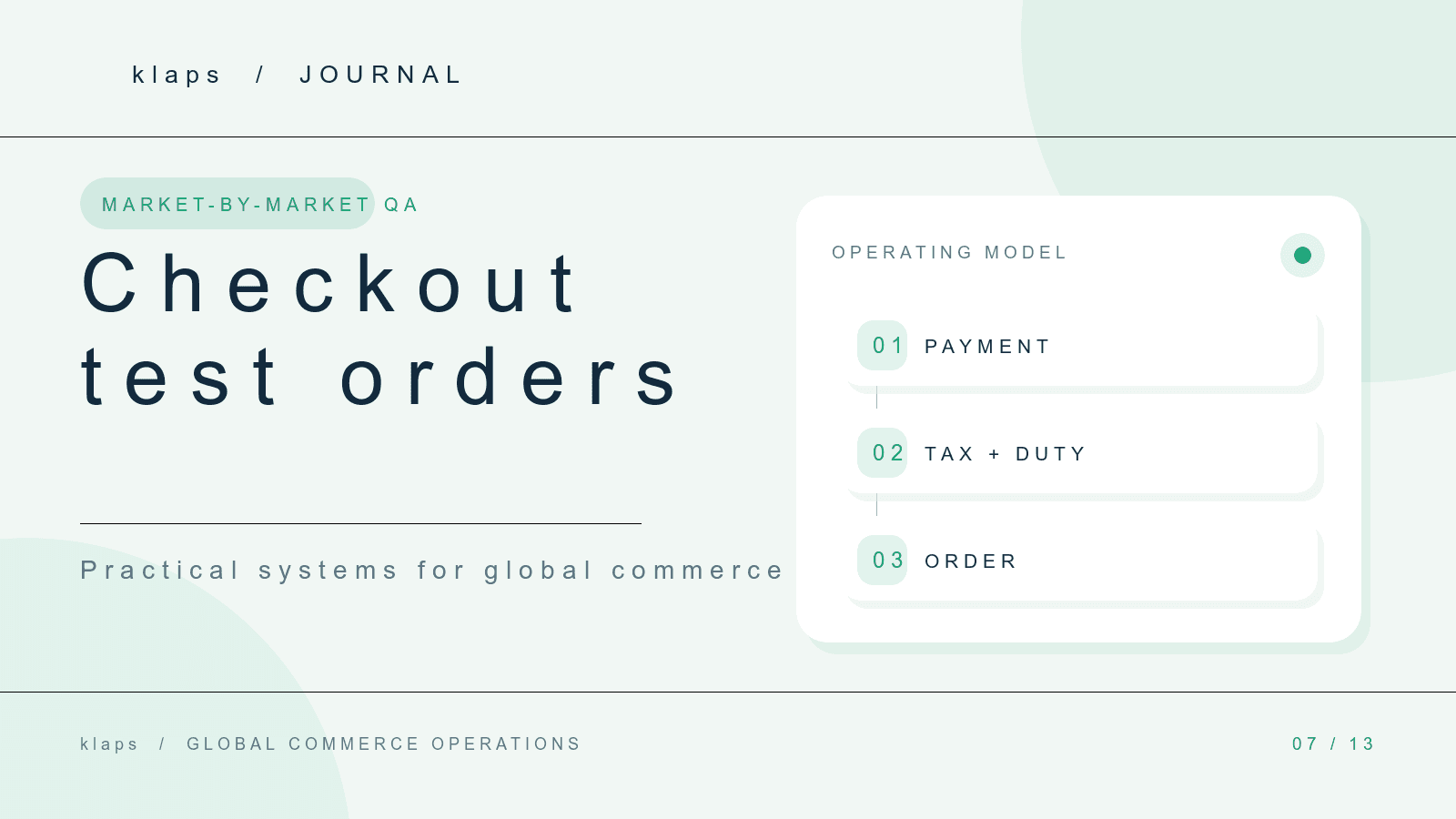
A Shopify checkout can work for the team’s home market and still fail the experience you intend to offer internationally. The only dependable way to find the mismatch is to walk a complete order through each target-market path.
Use a test order to validate one whole customer journey—market, product, address, delivery, payment, notification, and fulfillment handoff—not a payment field in isolation.
Shopify’s test-order guidance says a test order can verify checkout, order processing, inventory, shipping, email notifications, and taxes. Shopify also cautions that customers cannot place live orders while payment providers are in test mode. Make the transition back to live payments an explicit owner check.
Define the Market Cases Before Testing
Do not run one generic test and label the store “ready.” Write down the cases that could change the customer journey:
Scroll horizontally to read the table.
| Test case | Example question |
|---|---|
| Market and language | Does the customer enter the intended market and understand the checkout language? |
| Product eligibility | Is the right variant available for the destination? |
| Address | Are expected address fields and delivery restrictions handled clearly? |
| Delivery | Is the displayed rate and estimated timing credible? |
| Payment | Does the intended payment path complete as expected? |
| Post-purchase | Do confirmation, tracking, and fulfillment instructions reach the right people? |
One country, one product, and one clean address is not a sufficient test set when you plan to sell with different inventories, carriers, currencies, or policies.
Run the Order Through Operations
The test is not complete at the thank-you page. After placing the order, confirm that the order is usable by the team that has to act on it.
- Open the order in Shopify Admin.
- Check payment and fulfillment status.
- Confirm inventory moved as expected.
- Confirm the warehouse or fulfillment-service handoff contains the information it needs.
- Check customer emails, order-status access, and internal notifications.
- Record any manual intervention that would not be obvious to a customer.
If a customer can check out but operations cannot fulfill correctly, the market is not ready for traffic.
Test Payment Settings Carefully
Shopify offers multiple ways to simulate an order. The appropriate test method depends on the payment setup. Keep a small record of the method used, who enabled it, and who confirmed live settings afterwards.
Capture Evidence, Not Only a Pass/Fail
For each market case, retain a short record:
- Test date and operator
- Market, currency, address, product, and delivery choice
- Payment test method
- Order number or test reference
- Expected result and observed result
- Owner and deadline for any failure
This turns an informal launch check into a reusable regression test. Run it again after payment, shipping, inventory, notification, or market-configuration changes.
Decide Whether a Failure Blocks Launch
Not every issue has the same impact. Use three labels:
- Customer-blocking: checkout cannot complete or a customer is likely to be charged or promised the wrong thing.
- Operations-blocking: the order cannot reliably enter the correct fulfillment or support path.
- Improve before scale: the journey works, but the message or handoff will create avoidable manual work.
The practical value of a market-by-market test is not that it produces a perfect checklist. It gives the team evidence for a specific go, hold, or limit decision.